Every WordPress website needs maintenance, including regular backups, WP core updates, plugin updates, theme updates, and more. I have a whole article on why it’s prudent to do this maintenance on your WordPress sites.
At a minimum for most informational business sites, I recommend monthly maintenance. An e-commerce site probably requires more frequent updates and maintenance.
Here are the services that I provide in my monthly maintenance plan:
Continuous Monitoring
When you’re on my plan, I’ll set up continuous monitoring for your site. I have these services that monitor your site 24/7 for these problems:
- Site down
- Domain expiration
- Transactional email sending errors (for example, contact form notification email failures)
- Critical plugin vulnerabilities
If any problems are flagged by these services, I’ll address them immediately (and not wait for the monthly maintenance time).
Offsite Backups
- Before doing anything else, I make a manual backup of your site and store it on my local computer.
- I also use an automated monthly backup service for extra protection.
Local WP Updates and Testing
- To make sure the WordPress core, plugin, and theme updates won’t cause problems on your live site, I first do them on a local copy of your site.
- If there have been any big changes in your site, I’ll make a fresh local copy of your site from the live site.
- I test the local copy to look for problems caused by the updates
- If there are any problems, I fix them locally first.
Live Site WP Updates and Testing
- When I’m satisifed that the updates won’t cause problems, I do the updates on your live site, along with any fixed needed.
- I test again after the updates.
- I’ll fix any issues that arise, or revert if needed, but this shouldn’t be necessary since I’ve already tested on my local copy.
- I keep a log of all core, plugin, and theme updates so I know what has been updated on the live site.
Site Emailing
- I check transactional email logs for any errors or unsent email.
- I do a test submission of forms on your site to make sure they still send properly.
Search Engine / AI Visibility
- I check your analytics for any sudden drop in traffic.
- I verify that the site shows up in Google search (if appropriate).
- I check to see if your site is accessible by Chat GPT (if appropriate).
Accessibility
- I run the WAVE accessibility tester to check for any new accessibility errors.
- I’ll fix new errors if they are easy to fix; if not, I’ll alert you to discuss options.
Checks Needed Every Few Months
These tests are not required every month, but should be done at regular intervals.
- I check the PHP version (not necessary to do every month).
- I check the server error log files for PHP errors.
- I check for console errors in the browser.
- In the first month of the year, I check if year in the footer needs updating and update it necessary.
If you’re interested in monthly maintenance for your website, please contact me! – Brian
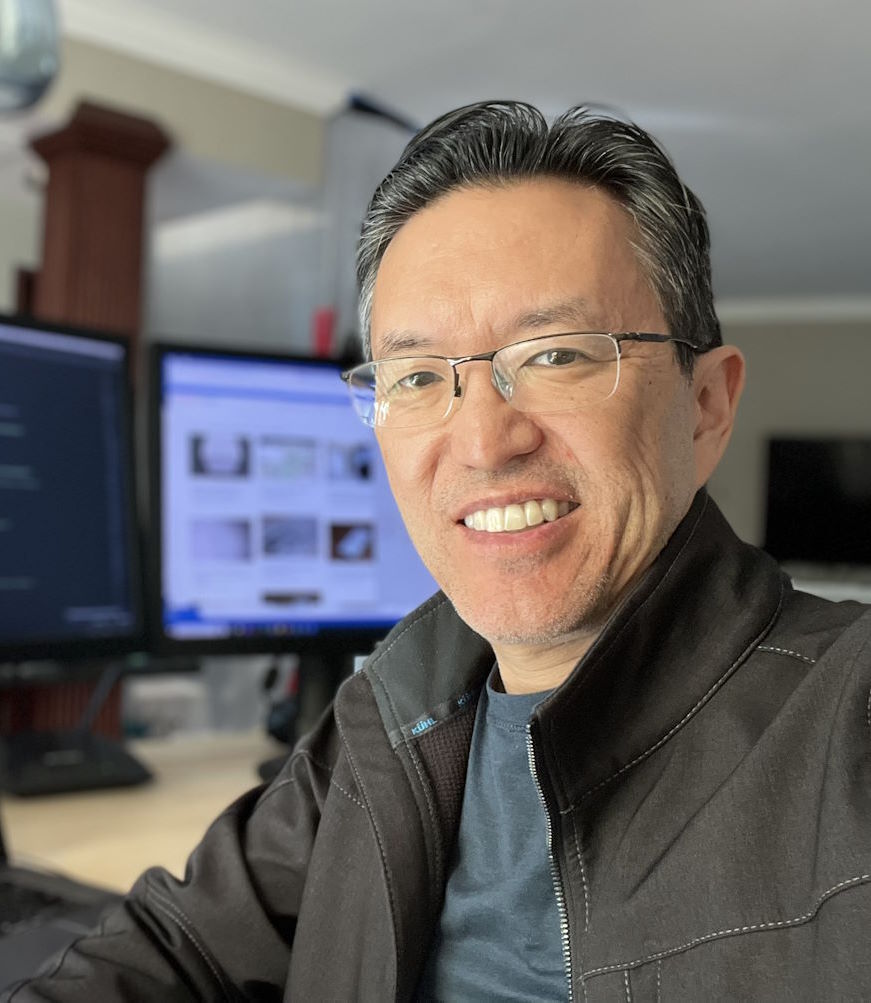
I am a freelance web developer and consultant based in Santa Monica, CA. I’ve been designing websites using WordPress and from scratch using HTML, CSS, PHP, and JavaScript since 2010. I create websites and web applications for businesses, nonprofits, and other organizations. I have a degree in Electrical Engineering (BSEE) from California Institute of Technology and a degree in Engineering Management (MSEM) from Stanford University.